Every conversation reaches the right person Automatically
Your clients reach the right agent on the first try — not after being transferred twice and asked to explain themselves again. Simplexi looks at the conversation, the client profile, and your routing rules, then assigns automatically. No manual sorting. No delays.
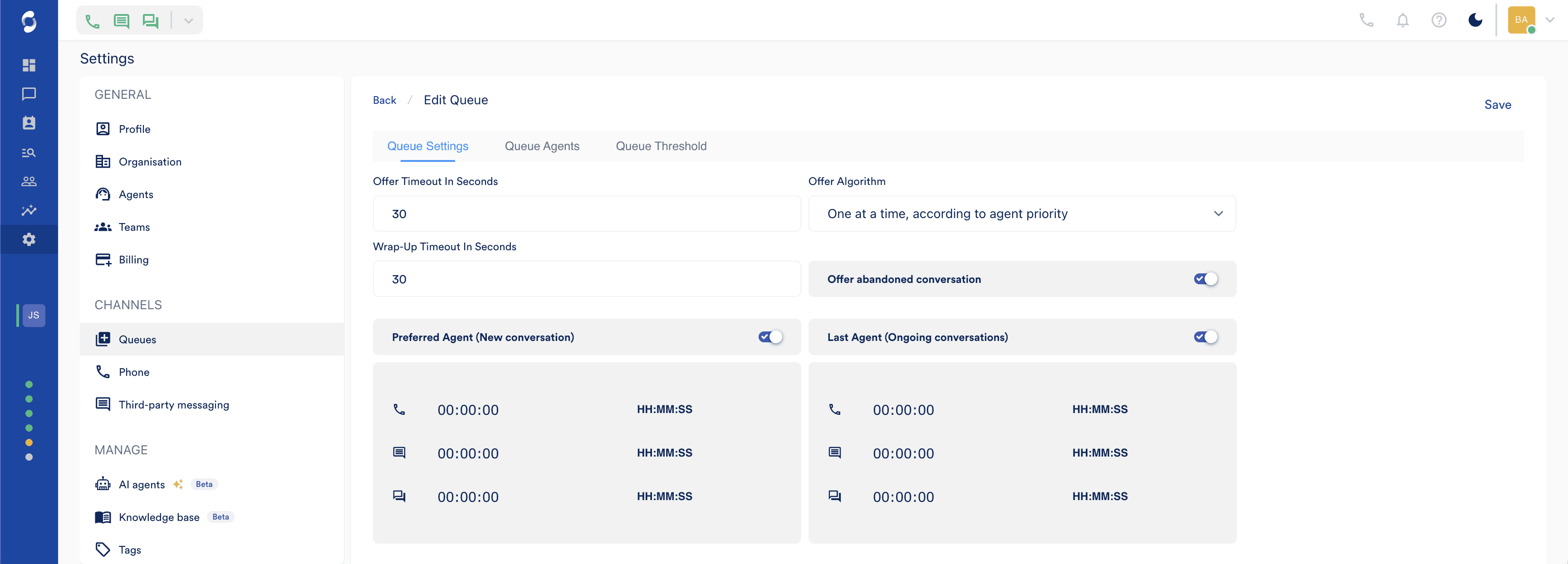
Everything you need to run intelligent routing.
Skill-Based Routing
Match conversations to agents based on their expertise and product knowledge.
Last-Agent Routing
Returning clients reconnect to the person who already knows them.
Priority Rules
VIP clients and urgent issues move to the front of every queue.
Workload Balancing
No agent overwhelmed while others sit idle.
CRM-Based Routing
Route based on client data — account tier, risk level, assigned RM.
IVR Routing
Callers reach the right team before a human picks up.
Intent Detection
AI identifies what the client needs and routes before an agent sees it.
Custom Attributes
Route based on any field — VIP tier, legal hold status, account type.
How it works
From first touch to resolution — in clear steps.
Step 1 of 3
Clients reach the right agent on the first try.
Simplexi looks at the conversation, the client profile, and your routing rules — then assigns automatically. No manual sorting. No delays. The right person picks it up from the start.
Step 2 of 3
The AI agent reads what the client needs — before your team does.
Intent Detection analyses incoming messages and identifies what the client is asking for. Based on that, Simplexi routes to the right queue, triggers an automation, or flags a priority — all before a human gets involved.
SETUP
INTELLIGENCE
System prompt
The brain of your agent — defines its persona, behaviour, tone, and boundaries.
Prompt
## Task
Work through the steps below in order. Do not skip steps. If at any point the customer is angry, distressed…
1. Greet the customer and ask how you can help.
2. Identify the nature of the issue:
- Order status → call check_order_s…
- Product question → answer using knowledge…
- Billing dispute → transfer_to_agent.
- Complaint → acknowledge empat…
3. Once resolved, ask if there is anything else…
⌟Step 3 of 3
Set your rules once. Routing adapts as you grow.
Build your routing logic visually and update it whenever your team or products change. No engineering tickets. No waiting. When your operation evolves, your routing evolves with it.
SETUP
INTELLIGENCE
Memory & knowledge
Connect a knowledge base and enable per-contact memory.
Knowledge base
Searches indexed documents before responding
All documents
6 documents across all knowledge bases
Contact memory
Recall context from previous interactions with this caller/user
Stop answering questions your system already knows.
Book a demo to see Simplexi in action.